Top 10 digital signage software in 2026: an honest roundup
An honest top 10 digital signage software roundup for 2026 — who each tool is really for, hardware, AI and pricing — plus how to pick the best digital signage software for your team.
If you went looking for the top 10 digital signage software tools, you already know the honest answer: there isn’t one winner — there’s the right tool for your team. A school IT admin, a franchise marketing manager, and a café owner want completely different things. So this roundup does something most listicles won’t: it tells you plainly who each platform is for, what hardware it needs, whether its AI is real, and what it costs — then makes the case for where ChannelOS fits.
Full disclosure: we make ChannelOS. We’ve still tried to describe every tool the way its own best-fit customer would. If another tool suits you better, we say so.
The top 10 digital signage software tools, and who each is really for
- Yodeck — mature, hardware-centric CMS for AV teams who want granular control over a fleet of dedicated player devices, priced per device.
- ScreenCloud — mid-market to enterprise multi-location businesses whose IT and internal-comms teams want app integrations, dashboards, and delegated permissions across many sites.
- OptiSigns — SMB-to-enterprise buyers who want broad app coverage and cheap, flexible hardware (strong Fire Stick and Raspberry Pi support); mainstream and feature-broad rather than design-led.
- Rise Vision — schools first (K-12 and higher ed), with school-specific templates, emergency alerts, and screen sharing; also sold to nonprofits and government.
- NoviSign — mid-market buyers who want interactive/touch and integration-rich signage across retail, hospitality, and healthcare, plus a white-label reseller program.
- Kitcast — mid-market and enterprise teams without dedicated designers who want templated, centrally-managed signage with SSO, MDM, and audit logs (Apple TV heritage, now multi-platform).
- TelemetryTV — IT- and data-led teams running many screens who need live BI dashboards, device fleet management, and provisioning; strongest on real-time data visualization.
- Xibo — technical buyers and integrators who want control and low or zero software cost, and are happy to self-host; less suited to non-technical users who want instant content.
- Raydiant (now Displai) — enterprise and multi-location brick-and-mortar, especially restaurants and hospitality wanting POS-integrated menu boards; a poor fit for single-location small businesses.
- Play Digital Signage — budget-conscious SMBs, nonprofits, and schools who want cheap, self-serve, drag-and-drop signage that scales from one free screen up.
Two more that belong on the shortlist: PosterBooking and Screenly/Anthias
Almost every top 10 digital signage software list — including ours, until this update — leaves these two out. Both have a real following, and each wins a case none of the ten above does.
Two nearby reads if your shortlist is narrower than this one: free digital signage software sorts out which of these are genuinely free rather than trial-only, and if you inherited Samsung panels, the Samsung MagicInfo alternative covers running them without a server or an integrator.
PosterBooking — the largest free plan in the category
PosterBooking takes the budget end of the market seriously. Its free plan covers up to ten screens — not one, ten — the most generous free tier on this page, and paid screens are a few dollars each per month after that. For a small team looping a video, a PDF and a weather widget across a handful of lobby TVs, that’s hard to argue with.
What you get is a straightforward scheduler: upload images, video and PDFs, pull in Google Slides, point a slot at a web page, add widgets like weather and news, then build playlists and give them time windows. It runs through an installed player on Android, Fire TV, Windows or a Raspberry Pi — bring-your-own-device, like nearly everything else here.
What it isn’t is a content tool. It assumes you arrive with finished artwork and gets that onto screens on a schedule: no AI drafts a multi-slide show, the design and template side is thin, and device management, integrations and support are lighter than the mid-market platforms. That’s the trade for the price, and it’s a fair one.
Choose PosterBooking if budget is the binding constraint and the content problem is already solved. Choose something design-led if the artwork is the problem — for a menu board, our free menu-board maker shows you the output before you commit to anyone.
Screenly and Anthias — the Raspberry Pi answer
Screenly is two products with one heritage, which is why it shows up twice in keyword tools. Anthias is the open-source project formerly called Screenly OSE, renamed in 2022 and now community-maintained. It’s free, it runs on a Raspberry Pi, and each device is managed from its own small web interface: add an image, a video or a URL as an asset, set a duration and a start and end date, done. For one screen in a workshop or an office corridor it’s very hard to beat at zero cost.
Screenly is the commercial product on the same lineage: a hosted control plane for fleets of Pi players, with remote device control, grouping, an API, and Edge Apps — a framework for building a screen as a small web app in HTML and JavaScript. It’s around ten dollars per screen per month and leans on reliability, security and developer control rather than design. If you are weighing the Pi route against no hardware at all, ChannelOS vs Screenly and Anthias does that head-to-head properly.
The caveats are real. Anthias has no central fleet view, no user roles and no content creation at all — you supply finished assets, manage each device yourself, and patching is your job. Screenly solves the fleet half, but both are device-first: a Pi you buy, image and mount sits behind every screen. Neither has a Canva-style editor or AI that drafts a show.
Choose Anthias if you’re technical, curious and cost-sensitive. Choose Screenly if you’d rather build a screen than design one and want Pi fleets managed properly. Choose neither if what goes on the screen is the hard part of your week.
How to choose the best digital signage software: three questions that actually decide it
Feature lists blur together. Three axes separate these tools cleanly. (Two of these come up so often they have their own pieces: OptiSigns vs Yodeck if your shortlist is down to those two, and cheap digital signage if the number at the bottom is what decides it.)
1. Hardware: no-hardware vs a player on every screen. ChannelOS is the odd one out here — the TV is the player. It runs as a web page in the TV’s own browser, so there’s no media-player box. Every other tool in this list is bring-your-own-device: none of them force a proprietary box (Raydiant, Screenly and a few others sell one, most don’t), but you do install a native player app on a Fire Stick, Raspberry Pi, mini-PC, or SoC smart TV. Xibo specifically requires an installed player, and Anthias effectively requires a Pi. If “I have a TV and Wi-Fi” is your whole hardware budget, the browser-pairing model is a real difference.
2. Content: manual design vs AI-built. Almost everyone now claims “AI.” The honest split is what the AI actually produces. OptiSigns, Rise Vision, Kitcast, NoviSign, and Play generate single assets — an image, or one or three page designs — that you then arrange yourself. That’s genuinely useful, and for some teams it’s enough. But it’s not the same as describing a screen and getting a complete, on-brand, multi-slide show back. ChannelOS does the latter, and reads attached PDFs, images, and a webpage URL into the slides. Xibo, TelemetryTV, ScreenCloud, Raydiant, PosterBooking, Screenly and Anthias have no generative content AI of that kind at all; content is built by hand (TelemetryTV’s real strength is live data, not design), or started from a template.
3. Updates: push-and-sync vs edit-once-airs-everywhere. Most CMS platforms follow a publish step: you edit, re-publish, and wait for each device to sync. ChannelOS is schedule-first — what a screen shows is derived in real time from the show, the channel schedule, and the clock. Fix a typo and it’s corrected on every screen the moment you save, with no per-device sync. Dayparting (different content by hour and weekday/weekend, set once) and live takeover (drop an urgent message on every screen, then resume the schedule) fall out of the same model.
The summary table
| Tool | Best for | Hardware | Free tier |
|---|---|---|---|
| ChannelOS | Non-technical operators wanting AI-built shows, no hardware | None — TV’s own browser | Yes — first screen free |
| Yodeck | AV teams wanting device control | Player device per screen | Trial + limited free plan |
| ScreenCloud | Multi-location enterprise IT/comms | BYO device (installed app); optional own players | Trial only |
| OptiSigns | Budget BYO fleets, broad integrations | BYO (Fire Stick / Pi); optional stick | Trial only |
| Rise Vision | Schools (K-12 and higher ed) | BYO device; optional own player | Trial / education pricing |
| NoviSign | Interactive/touch, resellers | BYO device | 30-day trial |
| Kitcast | Templated, centrally-managed teams | BYO (Apple TV heritage) | 14-day trial |
| TelemetryTV | IT/data teams, live BI dashboards | BYO (Pi / Fire TV); optional box | 30-day trial |
| Xibo | Technical buyers, self-hosters | Installed player; self-host option | Free self-host; cloud trial |
| Raydiant | Enterprise QSR/hospitality menu boards | ScreenRay box (~$199) or BYO | No free plan; 30-day guarantee |
| Play Digital Signage | Budget self-serve SMBs | BYO (any stick/Pi/smart TV) | Yes — first screen free |
| PosterBooking | Budget fleets whose artwork already exists | BYO (Android / Fire TV / Pi / Windows) | Yes — up to ten screens free |
| Screenly / Anthias | Pi fleets, developer-led teams | Raspberry Pi behind each screen | Anthias free and open source; Screenly trial |
Prices move, so we’ve kept the table to hardware and free tier; the linked comparison for each tool carries current per-screen pricing, and ours is on the pricing page.
Where ChannelOS fits
ChannelOS is built for the person who has a TV and a message, not an AV cart and a design team — the café manager, the clinic receptionist, the gym owner, the church volunteer. It threads all three axes above:
- No hardware. Open
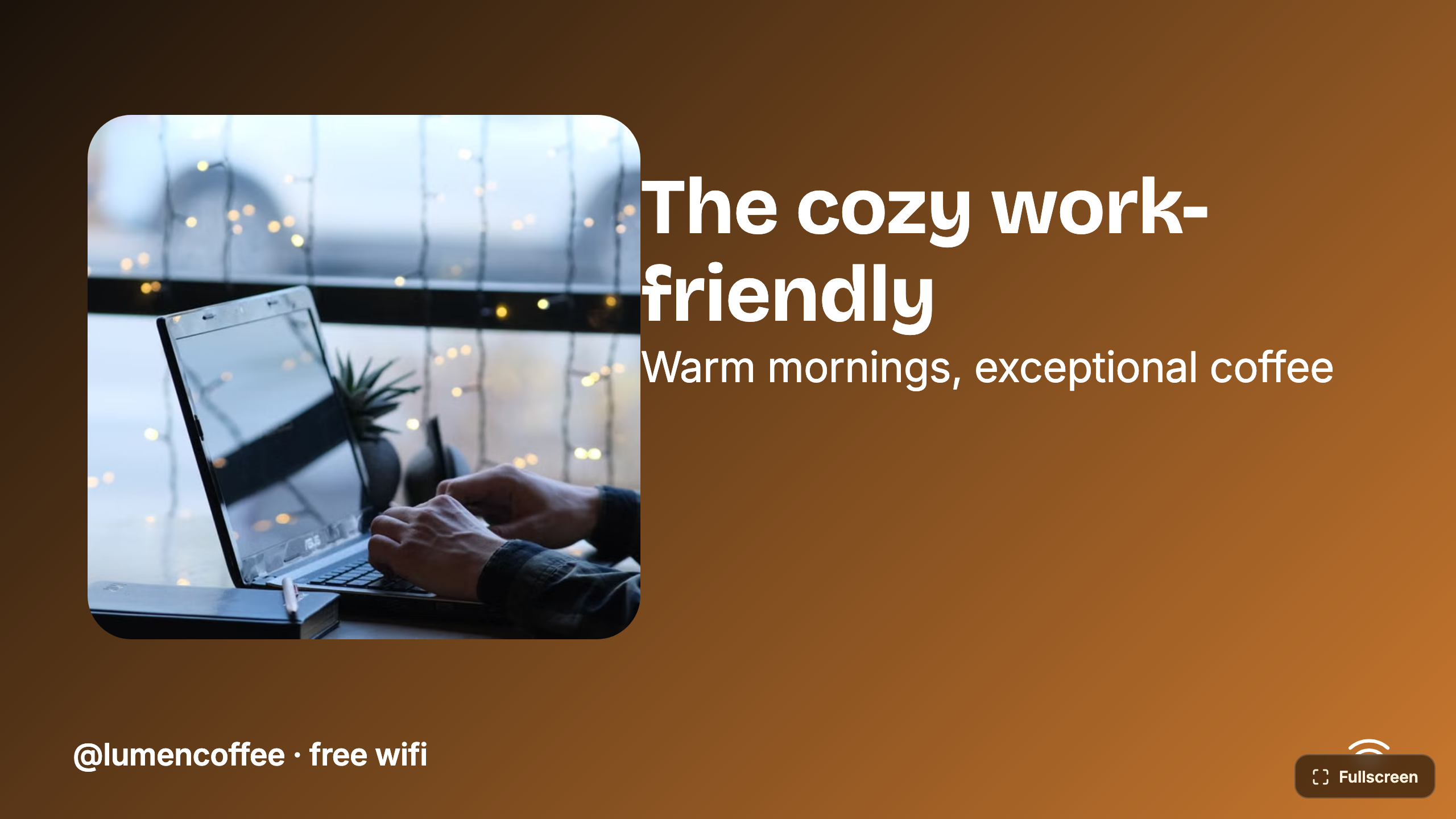
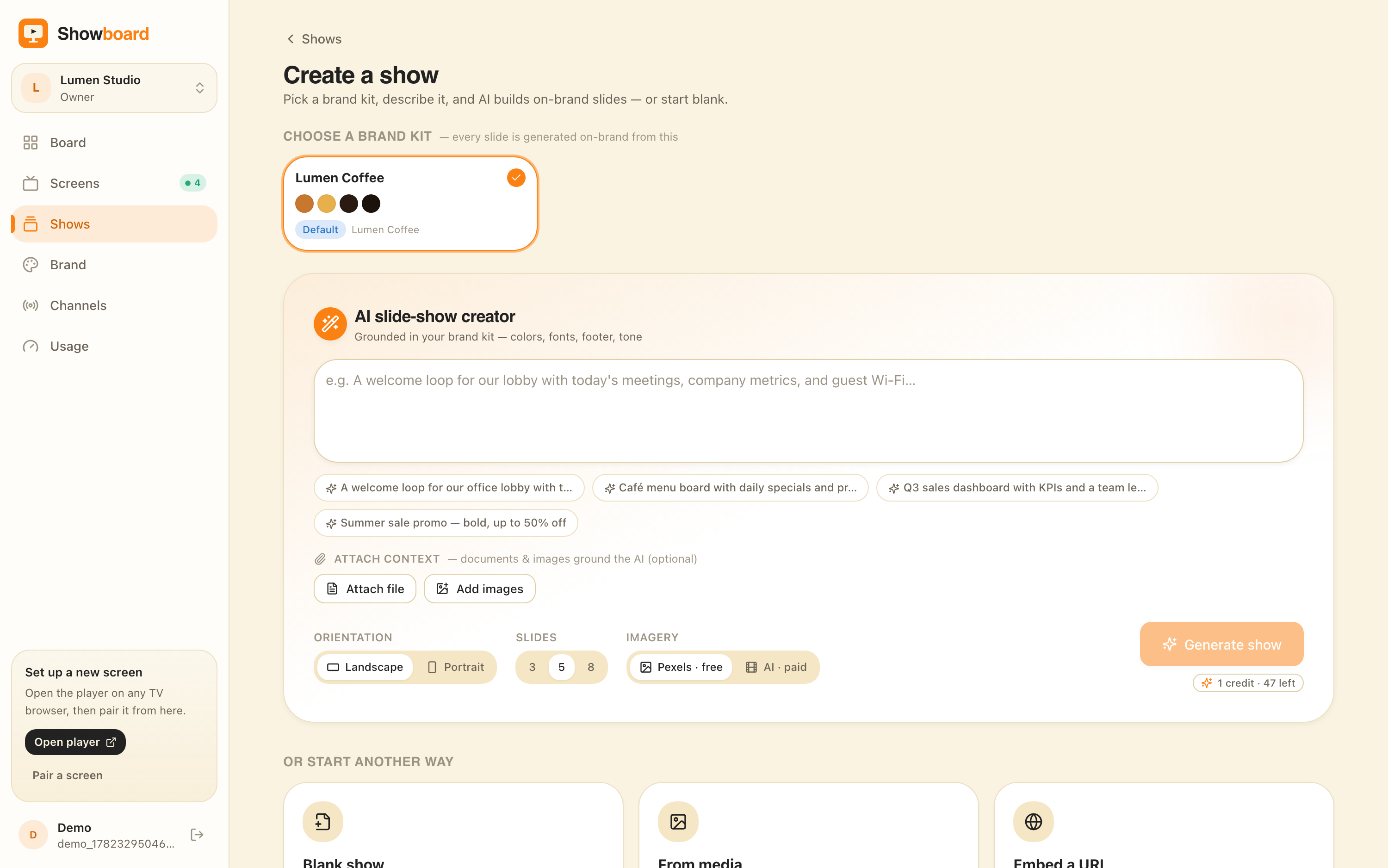
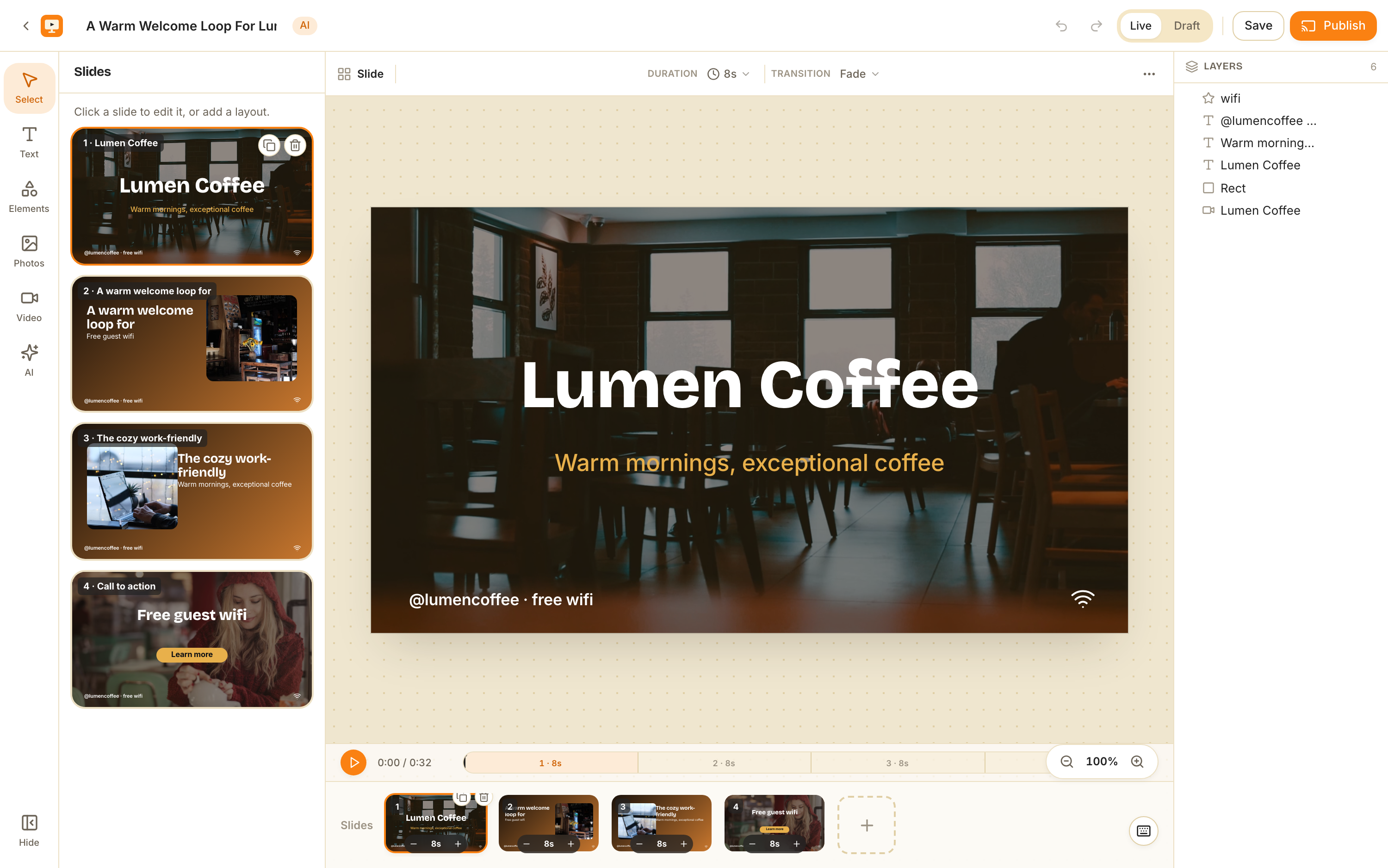
play.channelos.tvon the TV, scan the on-screen code from your phone, and the screen is live in about two minutes. No box, no sideloaded app, no per-device license. - AI-first. Pick a subject, goal, and look from chips — no prompt-writing — and AI drafts a complete, on-brand, multi-slide show. It’s a real editable show in a Canva-style editor, not a locked export: every element is selectable, with one-tap background removal and live clock, weather, and QR widgets.
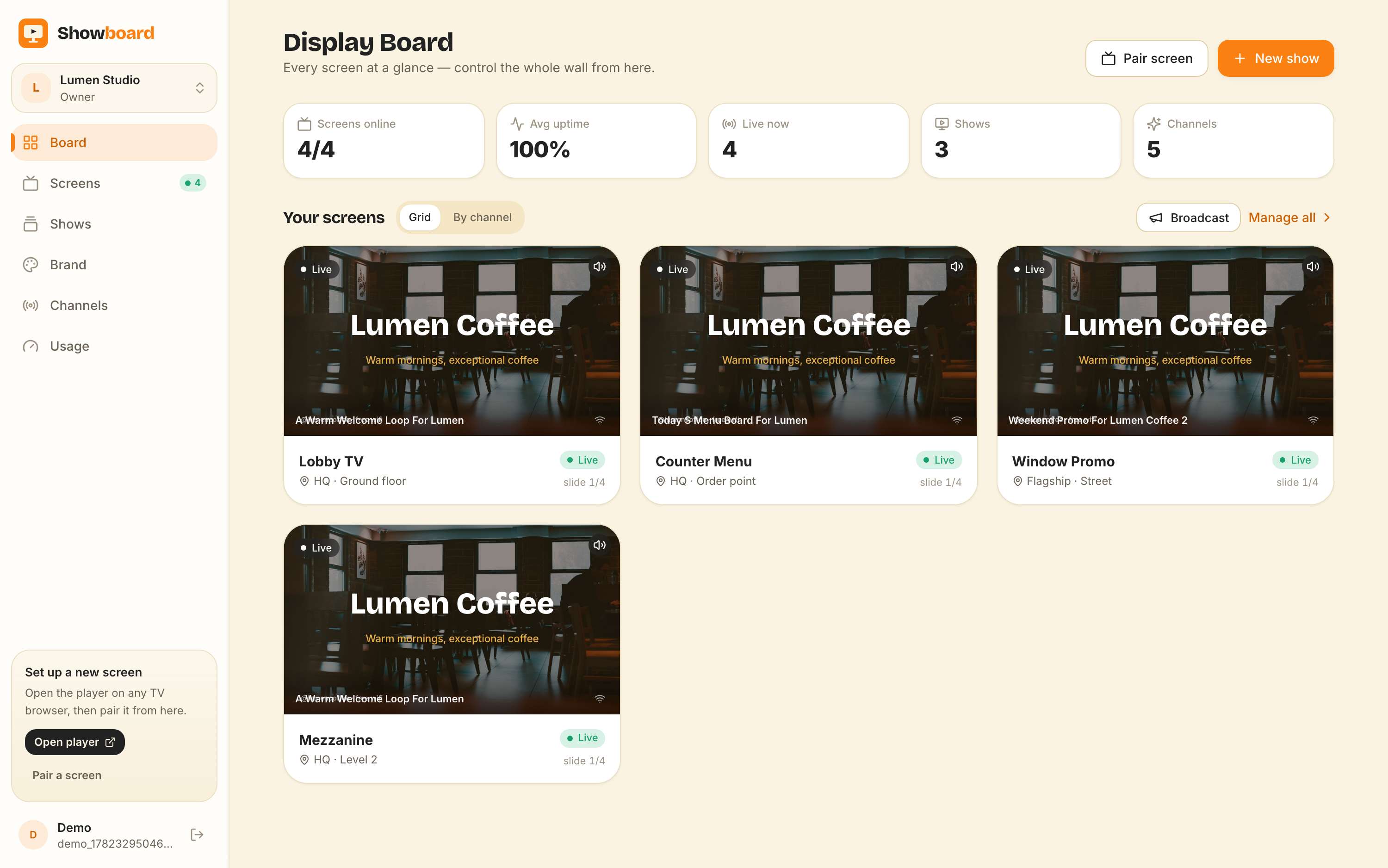
- Schedule-first. Edit once and it airs everywhere instantly. Channels support dayparting and live takeover, and one live board shows a rendered preview of every screen with pulsing status and one-tap controls (play, pause, blank, mute, next, hold). Screens even self-update and reload themselves.
If you need deep device fleet management (Yodeck, TelemetryTV), self-hosting with no vendor lock-in (Xibo, Anthias), ten screens on a zero budget (PosterBooking), a Pi fleet with an API in front of it (Screenly), or POS-integrated enterprise menu boards (Raydiant/Displai), one of those is the better call — and we’ve linked an honest head-to-head for each of the ten above.
If the question you actually came with was narrower than “which platform”, two of these are answered on their own page: which digital signage software has a genuinely free plan sets out what free usually restricts and which vendors offer a permanent tier rather than a trial, and Android TV digital signage covers the case where the screen you already own is the player.
But if you want a screen live today, built by AI, run from your phone, on a TV with no box behind it — that’s the gap ChannelOS was built for. Your first screen is free and everything after that is per screen per month, so the cheapest way to decide is to pair one and watch it go live.
Frequently asked questions
- What is the best digital signage software in 2026?
- There is no single best — it depends on your team. ChannelOS is best if you want a TV live in a browser with no media player and AI that drafts the whole show. Yodeck and Xibo are best for AV/IT teams that want device-level control. OptiSigns and Play Digital Signage are best for budget bring-your-own-device fleets. ScreenCloud and TelemetryTV suit multi-location enterprise IT, and Rise Vision is built for schools.
- Which digital signage software needs no hardware?
- ChannelOS is the browser-first option: it runs as a web page in the TV's own browser (Android TV, Google TV, webOS, Fire TV, or an HDMI stick) with no player box. Most others — OptiSigns, ScreenCloud, Rise Vision, Kitcast, TelemetryTV, Play, PosterBooking — are bring-your-own-device: no proprietary box required, but you install a player app on a Fire Stick, Raspberry Pi, mini-PC, or smart TV. Xibo also needs an installed native player, and Screenly and Anthias go furthest the other way: both assume a Raspberry Pi sitting behind every screen.
- Which digital signage tool has real AI that builds a whole slideshow?
- As of 2026, ChannelOS is the one that drafts a complete, on-brand, multi-slide show from a description (and can read PDFs, images, and a webpage URL into slides). OptiSigns, Rise Vision, Kitcast, NoviSign, and Play have AI too, but it generates single images or single-page designs, not an end-to-end deck. Xibo, TelemetryTV, ScreenCloud, Raydiant, PosterBooking, Screenly and Anthias have no generative content AI of that kind.
- How much does digital signage software cost per screen?
- Roughly $7–$60 per screen per month in 2026. PosterBooking sits below everything (free for a handful of screens, then a few dollars each), Kitcast (~$7) and TelemetryTV/Play (~$8) are the low end, Screenly is around $10, ScreenCloud (~$20–$30) and NoviSign (~$18–$44) the middle, and Raydiant (~$49–$59) the top. Xibo self-hosted and Anthias are free software plus your own hardware. ChannelOS and Play both offer a genuinely free first screen; most others are trial-only.
- What are the top 10 digital signage software tools in 2026?
- ChannelOS (runs in the TV's own browser, AI drafts the whole show), Yodeck (device-centric CMS for AV teams), ScreenCloud (multi-location enterprise comms), OptiSigns (budget bring-your-own-device fleets with broad integrations), Rise Vision (schools), NoviSign (interactive and touch), Kitcast (templated and centrally managed), TelemetryTV (live BI dashboards), Xibo (open source, self-hosted) and Play Digital Signage (cheap self-serve, first screen free). Two more belong on any shortlist and rarely make the lists: PosterBooking, which has the most generous free plan in the category, and Screenly with its open-source sibling Anthias, the Raspberry Pi answer.
- Which of the top 10 digital signage software options are free?
- Anthias (the open-source project formerly called Screenly OSE) and self-hosted Xibo are free software you run yourself — you pay only for hardware and your own time. PosterBooking has the largest free hosted plan, covering several screens at no cost. ChannelOS gives you one screen free forever with no card, and Play Digital Signage also has a free first screen. Yodeck has a limited free plan; everything else on the list is trial-only.
Your screen is two minutes away.
Open the player on a TV, scan the code, publish a show. Your first screen is free.