Which digital signage software has a genuinely free plan?
Which platforms run a permanent free plan instead of a 14-day trial, the five things every free tier holds back, and exactly where the ChannelOS free screen stops. Written to be checked, not believed.
Most searches for free digital signage software end at a 14-day trial with the word free printed on the button. This page separates the two: which platforms run a permanent free plan, what each of those plans holds back, and where ours stops.
One warning before any of it, because it is the reason this page is written the way it is. A free tier is the fastest-moving line on any vendor’s pricing page. Caps get cut, branding gets added, a feature quietly moves behind a wall. So what follows describes the shape of each free plan rather than a number, and the last word on any specific limit is the vendor’s own page on the day you read it. We make one of these tools. The section about ours is the only one where exact limits are quoted, because it is the only one we can check from the inside.
Which digital signage software has a genuinely free plan rather than a 14-day trial?
Seven do, and they fall into two groups that have almost nothing in common. Open-source software you host yourself (Anthias, and the self-hosted Xibo CMS) charges no licence fee for any number of screens. Hosted platforms with a permanent free plan rather than a countdown include ChannelOS, PosterBooking, OptiSigns, Play Digital Signage and, with conditions attached, Yodeck. ScreenCloud, TelemetryTV, Kitcast, NoviSign and Rise Vision have been trial-first, so a free plan is not the way in to any of them.
| Platform | Permanent free plan? | What it charges instead of money |
|---|---|---|
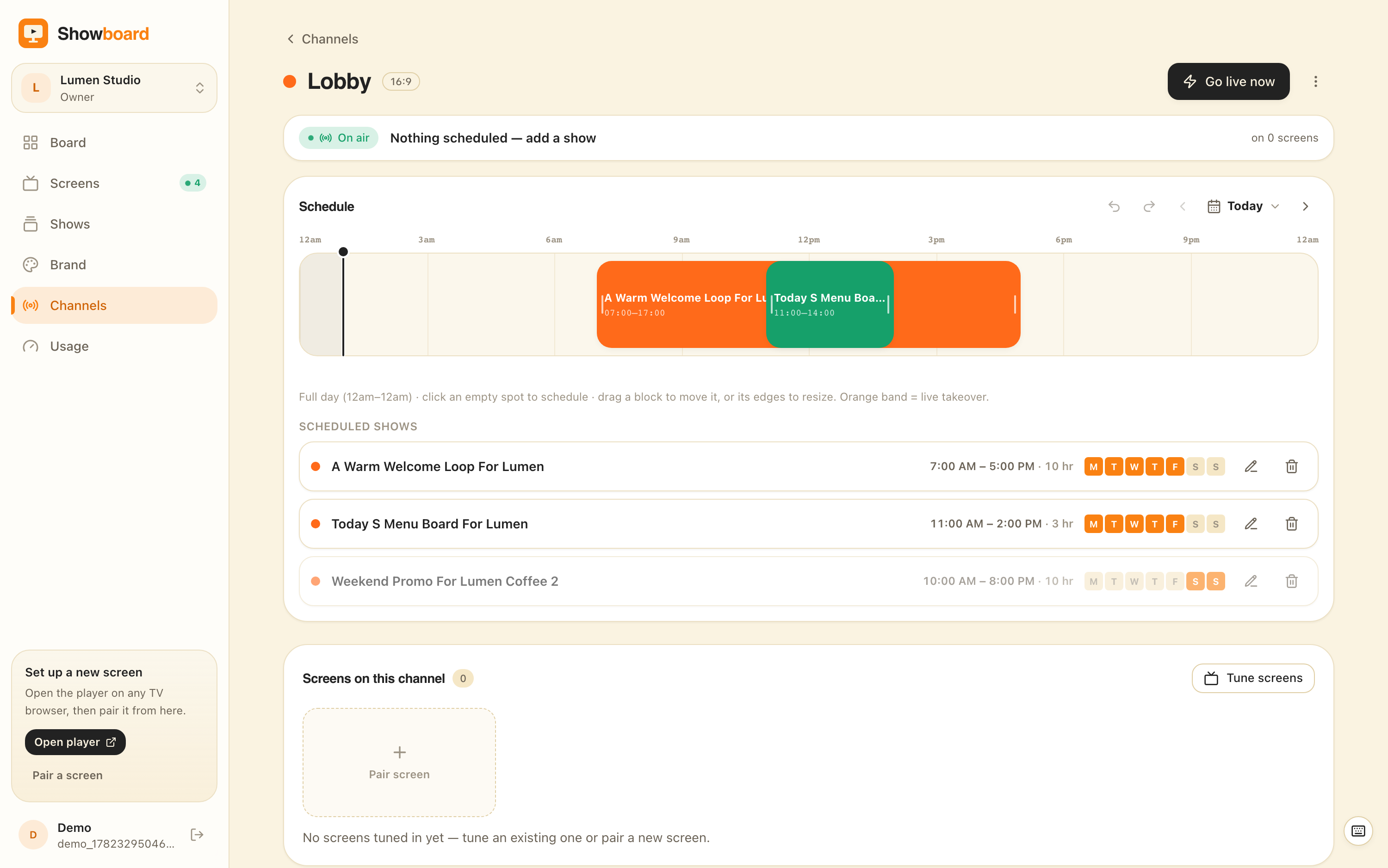
| ChannelOS | Yes, one paired screen, no card | Screens two and up are paid, and scheduling is a paid feature |
| PosterBooking | Yes, the largest hosted free tier we know of | You arrive with finished artwork; the cap has moved before, so check it |
| OptiSigns | Yes, a small multi-screen plan | Their branding is shown on the free screens |
| Play Digital Signage | Yes, a free first screen | A player app installed on a device per screen |
| Yodeck | Limited, with conditions attached | Read the conditions on their page, they are the product |
| Xibo (self-hosted) | The CMS is free under AGPLv3 | A server you patch and back up; some players are licensed per device |
| Anthias | Yes, free and open source | A Raspberry Pi per screen, and no design tool at all |
| ScreenCloud, TelemetryTV, Kitcast, NoviSign, Rise Vision | Trial only | Nothing, until the trial ends |
If your shortlist is wider than price, the honest top ten roundup covers who each of these platforms is actually built for, which matters more than the free tier once you have more than one screen. And if you want the same five tools examined one at a time rather than compared, that is the free digital signage software roundup.
What does a free digital signage plan actually restrict, and which restriction is the one that will stop you?
Five things, and only the first is a number, which is why it is the one everybody checks and the one least likely to be the problem.
The screen cap is the honest one. It is published, it is easy to compare, and you will know within a week whether you have hit it.
Branding is the one that decides where a free screen can hang. A vendor watermark is unremarkable on a staff notice board and unusable above a counter, and it is usually described in the plan terms rather than on the feature list.
Hardware is the cost that does not appear on any pricing page. A player app has to run somewhere, so a stick, a mini-PC or a Raspberry Pi joins the bill per screen, along with the mounting and the eventual replacement.
The artwork is the restriction people underestimate, and it is the reason so many screens end up showing last month’s promotion for a year. A plan that plays anything you give it is no use on the Tuesday when nobody has made the slides.
Held-back features is where the free plans differ most from each other, and it is where you should read carefully. Scheduling by hour and weekday, an urgent message pushed to every screen, and brand controls are the three that most often sit on the paid side of the line. Ours included.
Does ChannelOS have a free plan, and exactly what does the free screen include and what is behind the paid wall?
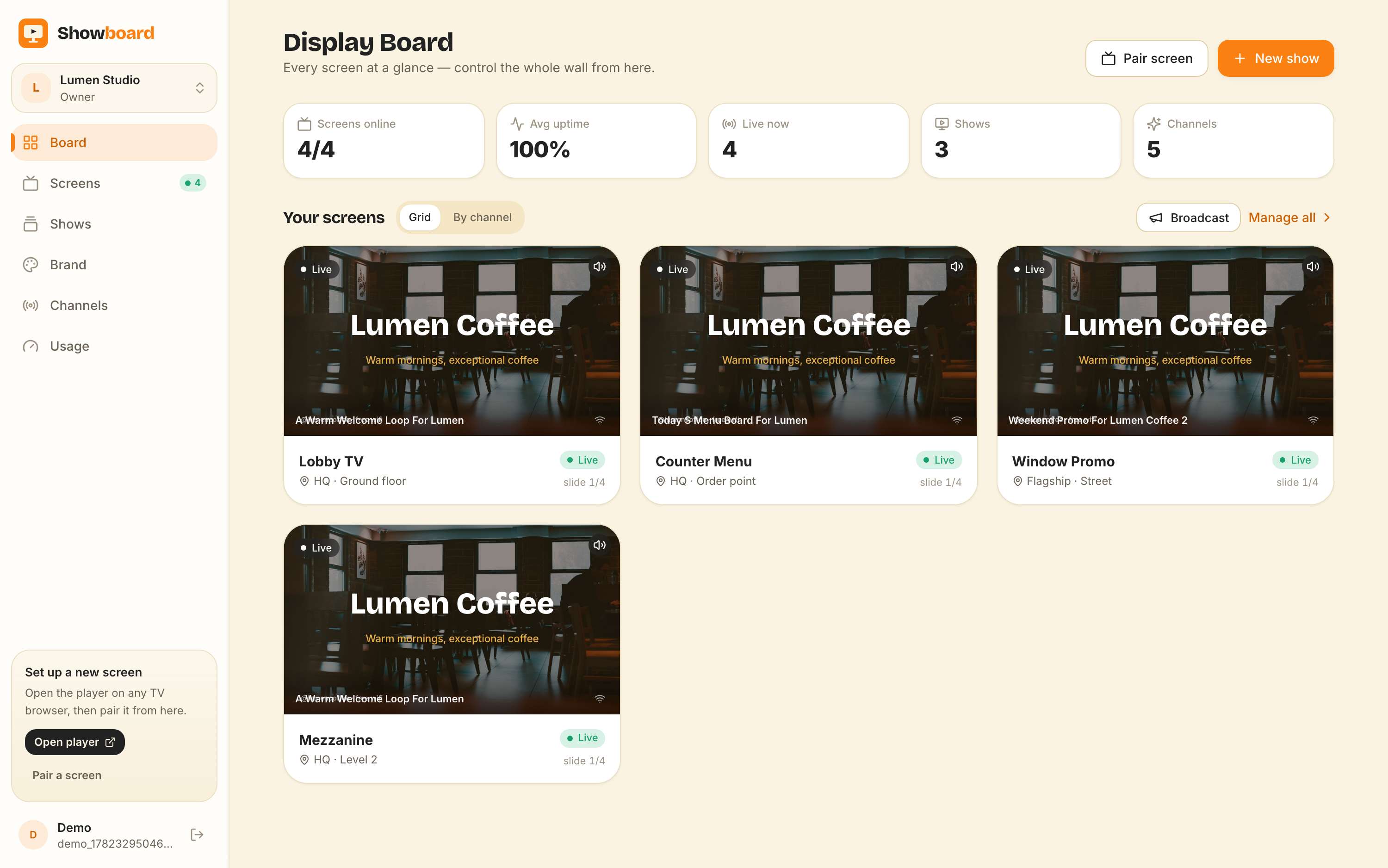
Yes: one paired screen, free forever, with no card and no countdown, and it does not flip to paid when you add screens beside it. Here is the whole boundary, because a free plan described only by what it includes is half a description.
On the free screen:
- One paired screen, and the TV’s own browser is the player. You open
play.channelos.tvon the TV itself, scan the code from your phone, and that screen is live in about two minutes with nothing installed on the set. - The full slide editor, not a cut-down one.
- 50 AI credits a month, covering whole generated shows, slide edits and AI images.
- The Pexels photo and video library.
- Live widgets: clock, weather, QR, ticker and menu, rendering current data rather than a picture of it.
- The live board, with real rendered previews of the screen and real-time control.
- Export and import of shows and channels, so your work leaves as portable files.
- Screens that self-update when a new build ships.
Behind the paid wall:
- Screens two and upward, priced per screen per month.
- Channels, dayparting and scheduling windows. A board that changes itself by hour and weekday is a Solo feature, not a free one.
- Live takeover, the urgent message pushed to every screen at once. Also Solo.
- One-tap background removal. Solo, because every removal runs on a paid inference box.
- The brand kit, which applies your fonts and colours across every show. That one starts on Pro.
- Extra team seats. Free is a single seat.
Current rates for screens two and up are on the pricing page, and they are per screen per month with no player licence, no setup fee and no seat charge on the lower tiers.
Is open-source signage software like Xibo or Anthias really free if I do not already have a server or a spare Raspberry Pi?
No. It is free of licence fee, which is not the same as free. Anthias (the open-source project formerly called Screenly OSE) is genuinely free software and it will happily run a loop for years, but it expects a Raspberry Pi, an SD card and a mount behind every screen, and each Pi is its own island with its own little web interface. Three screens means three interfaces and no shared schedule.
Xibo’s CMS is free and open source under AGPLv3, and feature for feature it is deeper than most paid tools on this page. The bill arrives as a server you provision, patch, back up and resurrect, layouts built region by region by somebody who can design, and player licensing: the Windows player is free, while the Android, Tizen and webOS players are commercial and licensed per device. An open-source CMS can still hand you a per-screen bill.
Neither of them makes anything. Both play what you have already made. If you have the hardware, the skills and the appetite, they are excellent and they are free in the way that matters to you. If you do not, they are the most expensive options on this page and the cost is denominated in your evenings.
Which free digital signage plan should I pick if I run one café, clinic or gym and nobody on the team is a designer?
Work through these six questions in order and stop at the first one that rules something out. The order matters, because most people start at the price and finish there.
- Count the screens that need to be live this month. More than three and no free plan in this category covers you honestly. Price the paid tiers instead of stitching two free accounts together.
- Ask who makes the artwork. If the answer is nobody, rule out every plan that only plays finished files. That is Anthias, self-hosted Xibo and PosterBooking, and it removes three of the seven immediately.
- Ask whether the board faces customers. If it does, rule out any free plan that prints the vendor’s name on the screen.
- Ask what is behind the TV. If there is no budget for a stick or a Pi per screen, you need a platform that pairs through the browser already built into the set.
- Ask what happens when the internet drops. If your connection is genuinely unreliable, a player with local storage rides out an outage better than a web page does, and that single fact outranks everything above it. Stop here and pick Anthias or Xibo.
- Then run the survivor for a week on the actual wall. All of these cost nothing to try and none of them needs a card. Seven days on the real screen tells you more than any comparison table, this one included.
Who should not use a free digital signage plan at all, and what should they buy instead?
Four groups, and it is worth being direct about all four.
Multi-site organisations with an IT function. If you need single sign-on, delegated permissions per site, audit logs and a support contract with a name on it, no free tier in this category is built for you, and a free tier is the wrong thing to evaluate. That is the enterprise middle of the market: ScreenCloud is the honest comparison there, and TelemetryTV if the wall is mostly live dashboards.
A clinic, dental practice or pharmacy that wants a live queue or token board. The number on that screen has to come out of your practice software or your POS, and we read from no external system at all, so ours would show whatever somebody last typed. Buy a queue display that talks to your PMS or POS. And whichever platform you pick, keep patient names and appointment times off the wall: that is a privacy exposure under the DPDP Act, the LGPD and HIPAA, and no free plan in this category gives you the redaction controls or the audit trail to defend it.
Anyone whose screens sit on unreliable internet. A browser-based screen wants a working connection. We would rather say that here than have you discover it in a power cut. A local-storage player on a Pi is the safer answer and we do not compete with it on that axis.
Anyone who needs four or more screens live now. Free plans are built for the first screen, not the fourth. Once a wall is real, a per-screen subscription is cheaper than the workarounds, and the workarounds are the part that quietly costs a day a month.
And one more, about us specifically: if the whole point of your screen is that it changes itself by time of day, do not start on our free plan. Channels and dayparting are Solo. The free screen is for proving the thing works on your TV, not for running a timetable.
How do I check whether a vendor’s free plan is still free before I put a screen on it?
Four checks, and all four take less than ten minutes. Does the sign-up form ask for a card? That is the single best predictor of a countdown. Does the pricing page say forever, or does it say free with a number of days next to it? What appears on the screen itself on the free plan, which is in the plan terms rather than the feature grid. And how does your content leave, because an export path that is itself a paid feature is a lock-in with a free plan wrapped around it.
We answer the same kinds of questions in plain language, without the category vocabulary, on the answers page, and the ChannelOS half of every claim on this page is checkable against the pricing page in about a minute.
Get a screen live, free
Pair one screen on the TV you already own, describe the board you want in a sentence and let AI draft it, then edit it until it is right. The first screen is free forever, there is no card and there is no countdown, and if the answer above pointed you at Anthias, PosterBooking or ScreenCloud instead, that is a good outcome and we would rather you get the right one.
Frequently asked questions
- How many screens can I run on a free digital signage plan?
- Most hosted free plans in digital signage cap you somewhere between one and three screens, and that cap is the single most common reason people leave a free plan. ChannelOS gives one paired screen free forever, and screens two and up are priced per screen per month. PosterBooking has historically run the largest hosted free tier in the category and OptiSigns a small multi-screen one, so check the current cap on each vendor's own pricing page before planning around a number. Self-hosted Anthias and Xibo cap nothing at all, but you supply and maintain a device or a server for every screen.
- Do free digital signage plans ask for a credit card?
- Some do and some do not, and it is the fastest way to tell a permanent free plan from a trial wearing the word free. A plan that takes card details at sign-up usually has a date on it. ChannelOS asks for no card on the free screen and there is no countdown, and the free screen does not flip to paid when you add paid screens beside it. Check the sign-up form itself rather than the pricing page, because the sign-up form is where the difference shows.
- Does the ChannelOS free plan include scheduling and dayparting?
- No. Channels, dayparting and live takeover start on the paid Solo plan. The free screen pairs, plays a show, and updates the moment an edit is saved, and it carries the full slide editor, 50 AI credits a month, Pexels photos and video, the live widgets and the live board. If what you need is a board that changes itself by hour and weekday, that is a paid feature, and it is fairer to say so before the screen goes on the wall than after.
- Can I use a free digital signage plan for a customer-facing menu board?
- Only if that plan does not print the vendor's name on the screen. Several free tiers in this category pay for themselves with branding shown on your board, which is fine in a staff corridor and rarely fine above a counter. The ChannelOS free screen carries no ChannelOS branding. If branding is the deciding factor, read each vendor's free-plan terms rather than its feature list, because a watermark is usually described in the terms and omitted from the marketing.
- Does a free digital signage plan include making the slides, or only playing them?
- Most free plans only play. Anthias, self-hosted Xibo and PosterBooking expect finished artwork and get it onto a screen on a schedule, so the design work happens somewhere else. That is the restriction people underestimate, because the screen that never gets updated is almost always the one whose board would take an hour to design. ChannelOS includes the making on the free screen: describe the board in a sentence and AI drafts a complete, editable multi-slide show, which you then finish in a Canva-style editor.
- What happens to my screens if a vendor changes its free plan?
- Free tiers are the fastest-moving line on any pricing page, so assume the terms you signed up under are not permanent, and check before you commit that you can get your work out. With ChannelOS, export and import of shows and channels is available on every plan including free, so a workspace moves as portable files rather than being rebuilt by hand. Before putting a wall on any free plan, find that vendor's export path and confirm the export is not itself a paid feature.
- Is a paid digital signage plan worth it if a free one technically covers my screens?
- A paid plan earns its money at the point where the free one starts charging you in time instead. Four screens stitched across two free accounts, artwork remade by hand every week, or somebody maintaining a Raspberry Pi behind every display all cost more than a per-screen subscription once the hours are priced honestly. The reverse is equally true: one screen in a lobby showing a loop that rarely changes is exactly what a free plan is for, and paying for that is waste.
Your screen is two minutes away.
Open the player on a TV, scan the code, publish a show. Your first screen is free.